New features and improvements for NetSuite and Shopify.
Nov 2026
Shopify
Backup & Restore
See what changed in your store. Undo only what broke. Apps, imports, and sales all change your store, and when one of them goes wrong, you shouldn't have to roll back everything else with it.
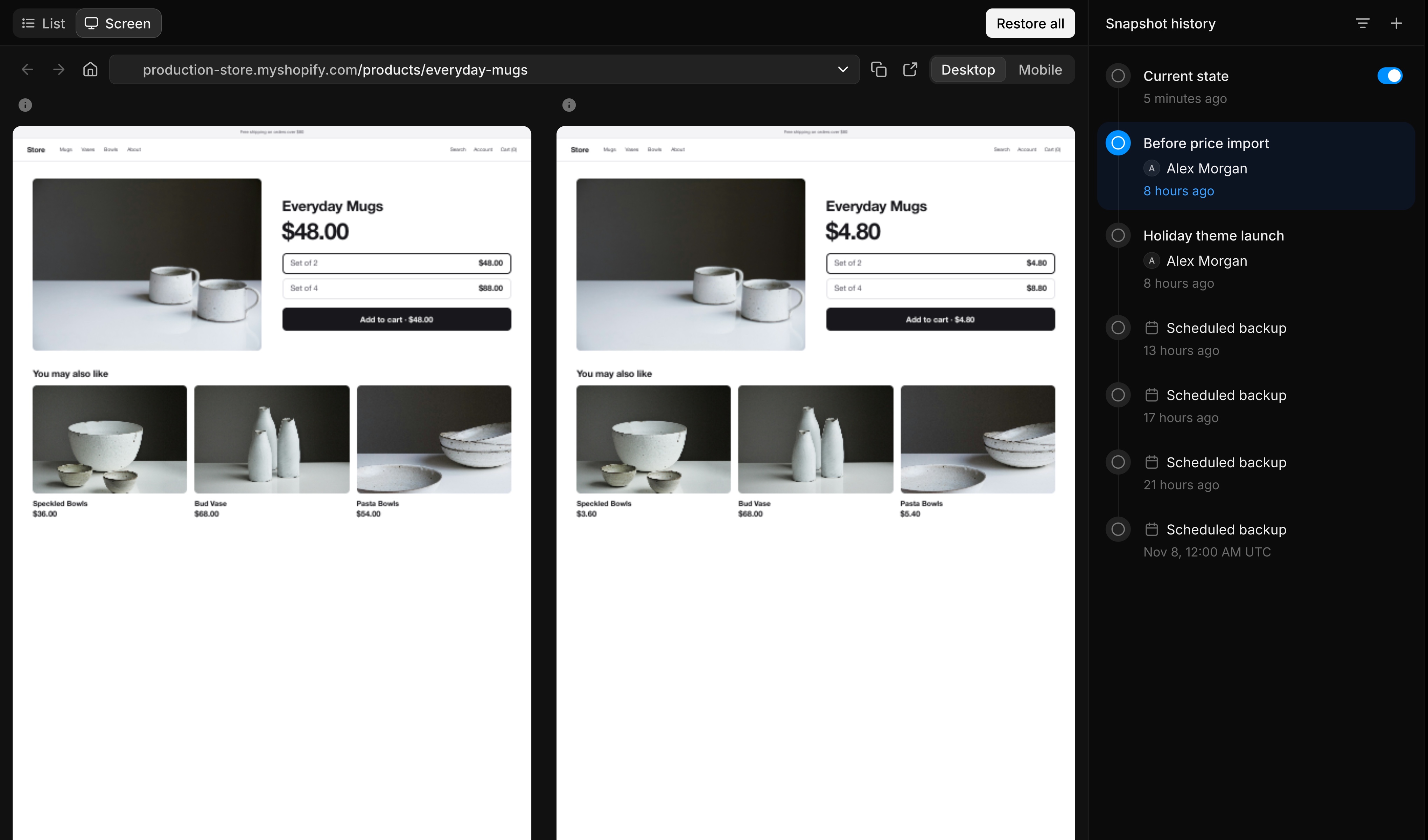
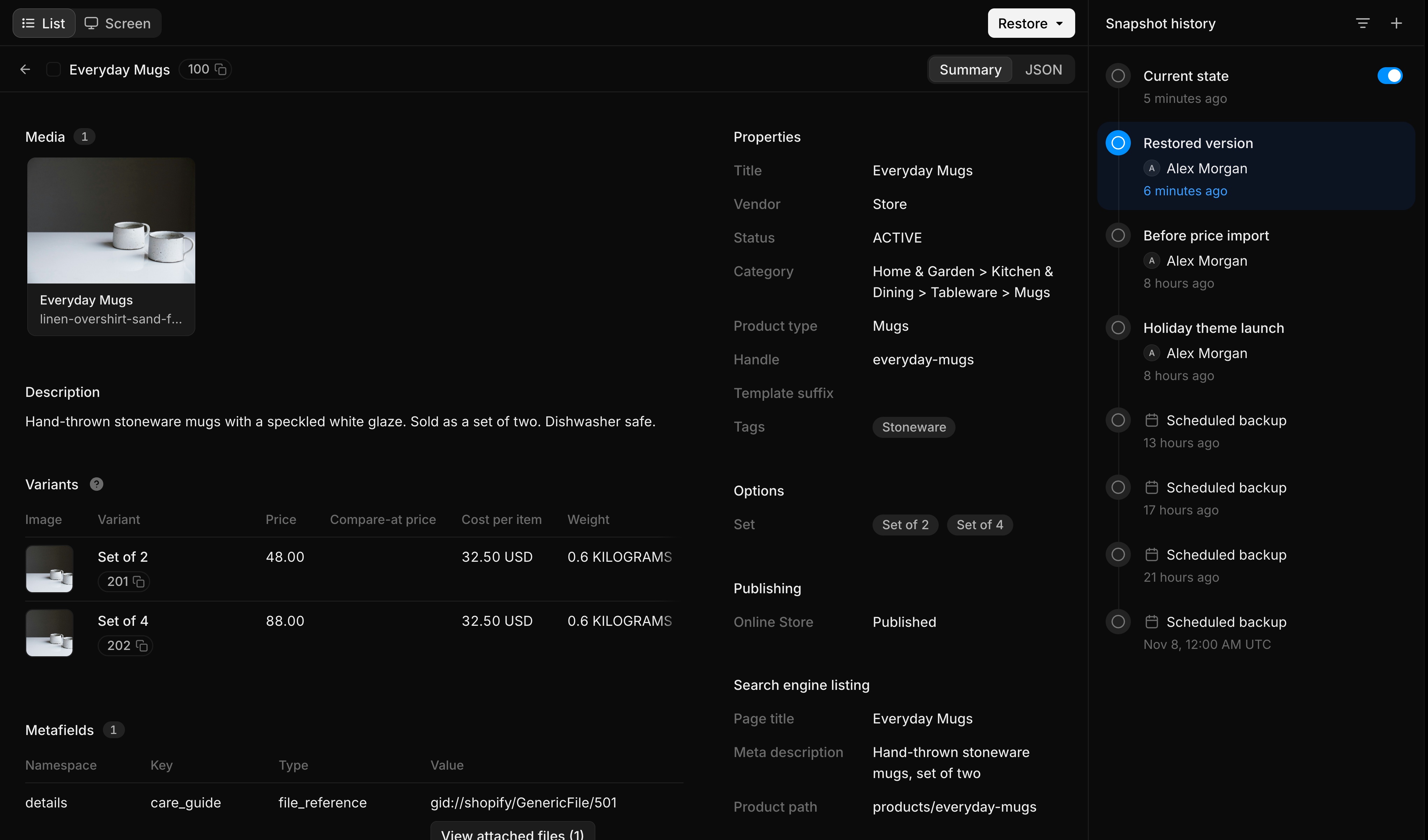
See a backup as your store
Switch a backup from List to Screen and it opens as your storefront, not as a CSV. With Current state on, it sits beside the page shoppers see now.
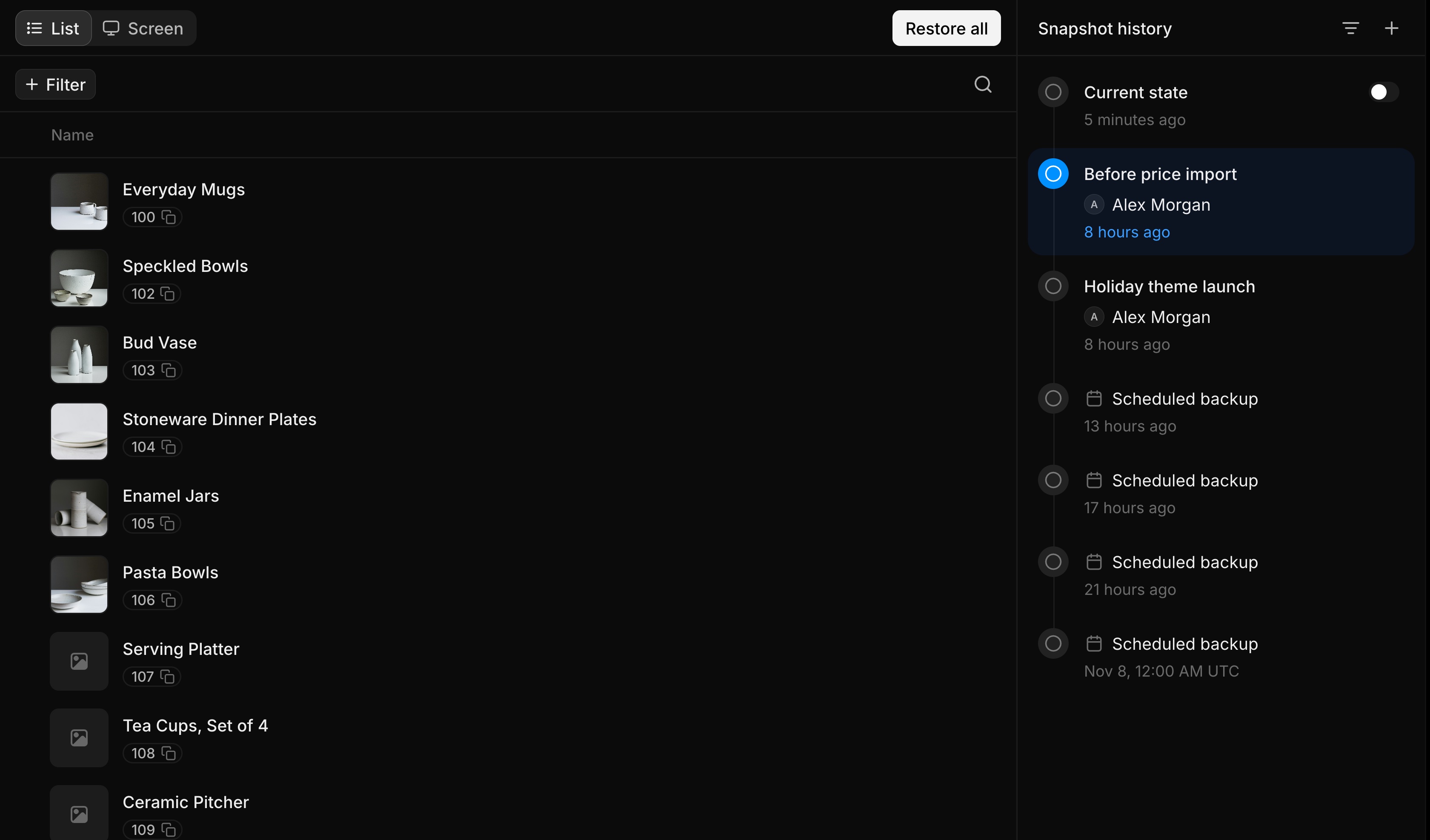
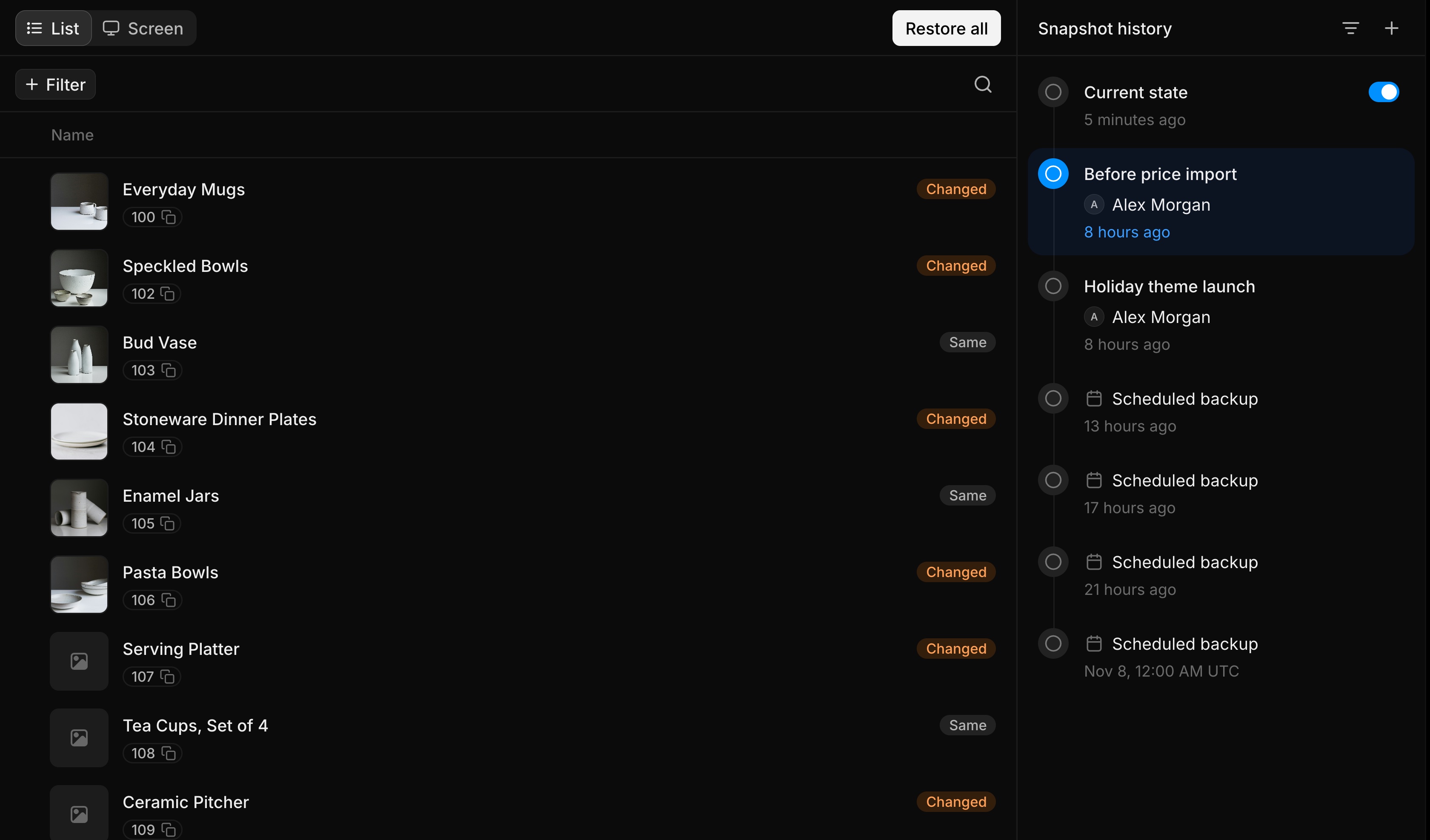
Compare a backup with your store today
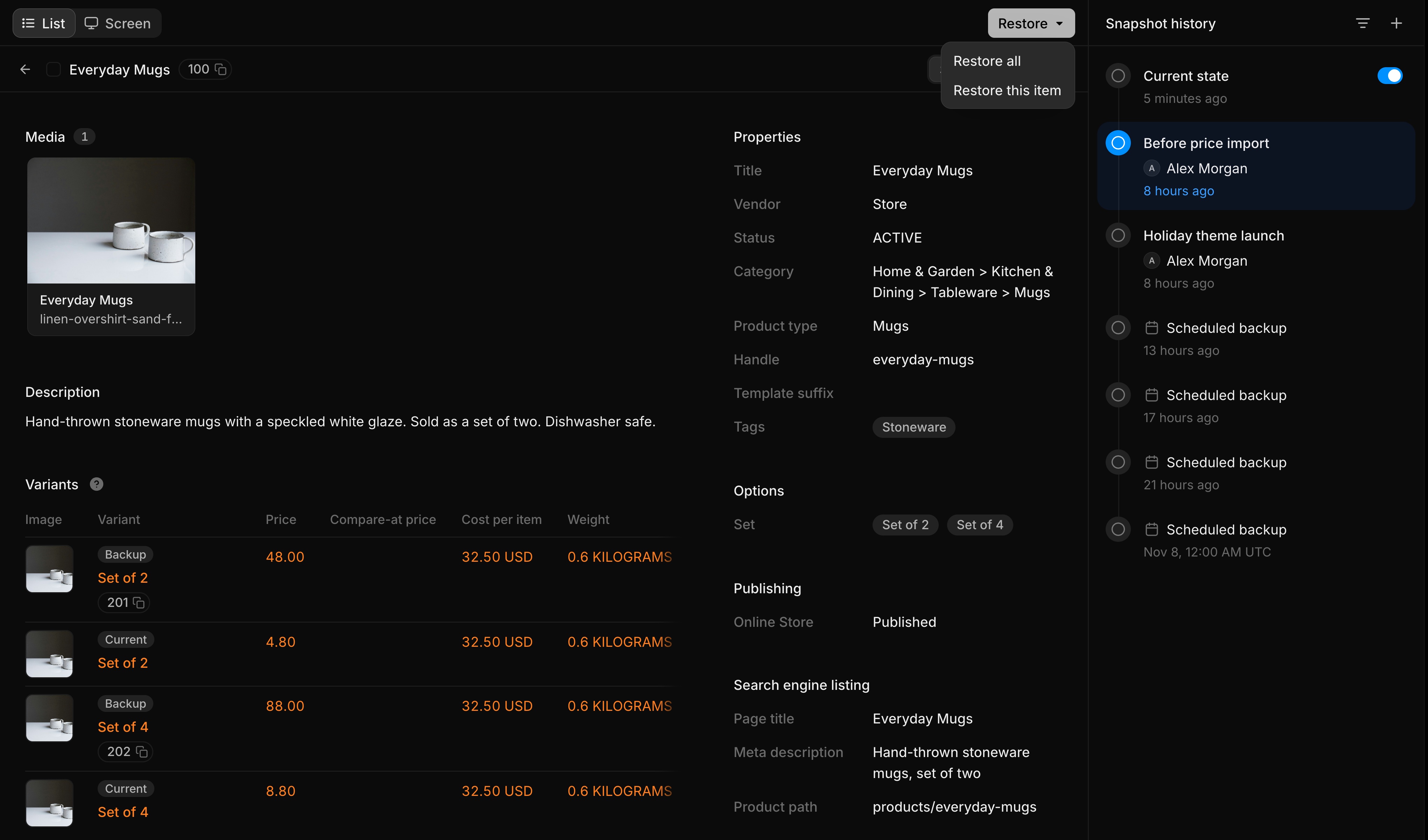
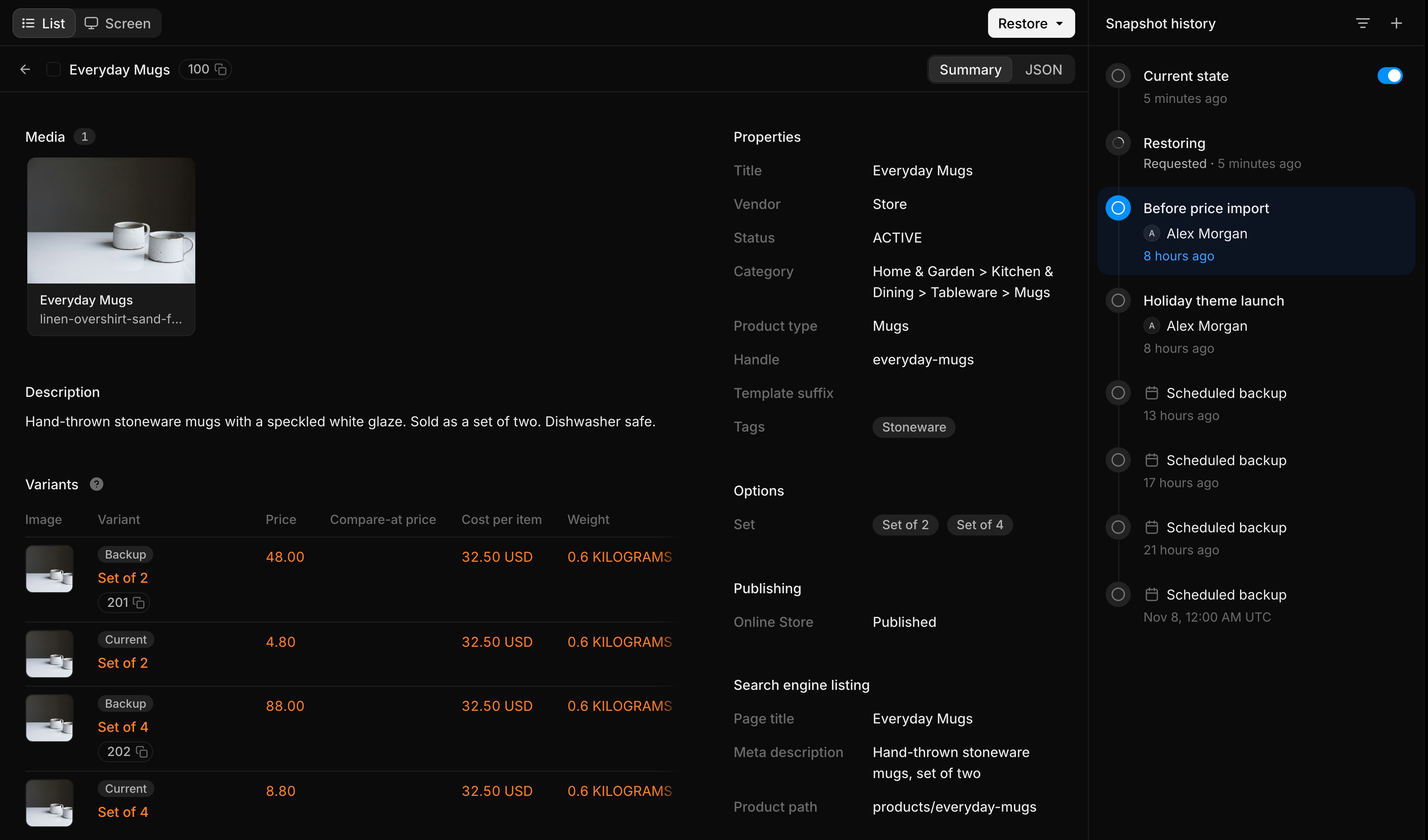
Pick a backup in Snapshot history and turn on Current state. Each item is marked Added, Changed, Missing or Same, so after a price import you can see what it touched.
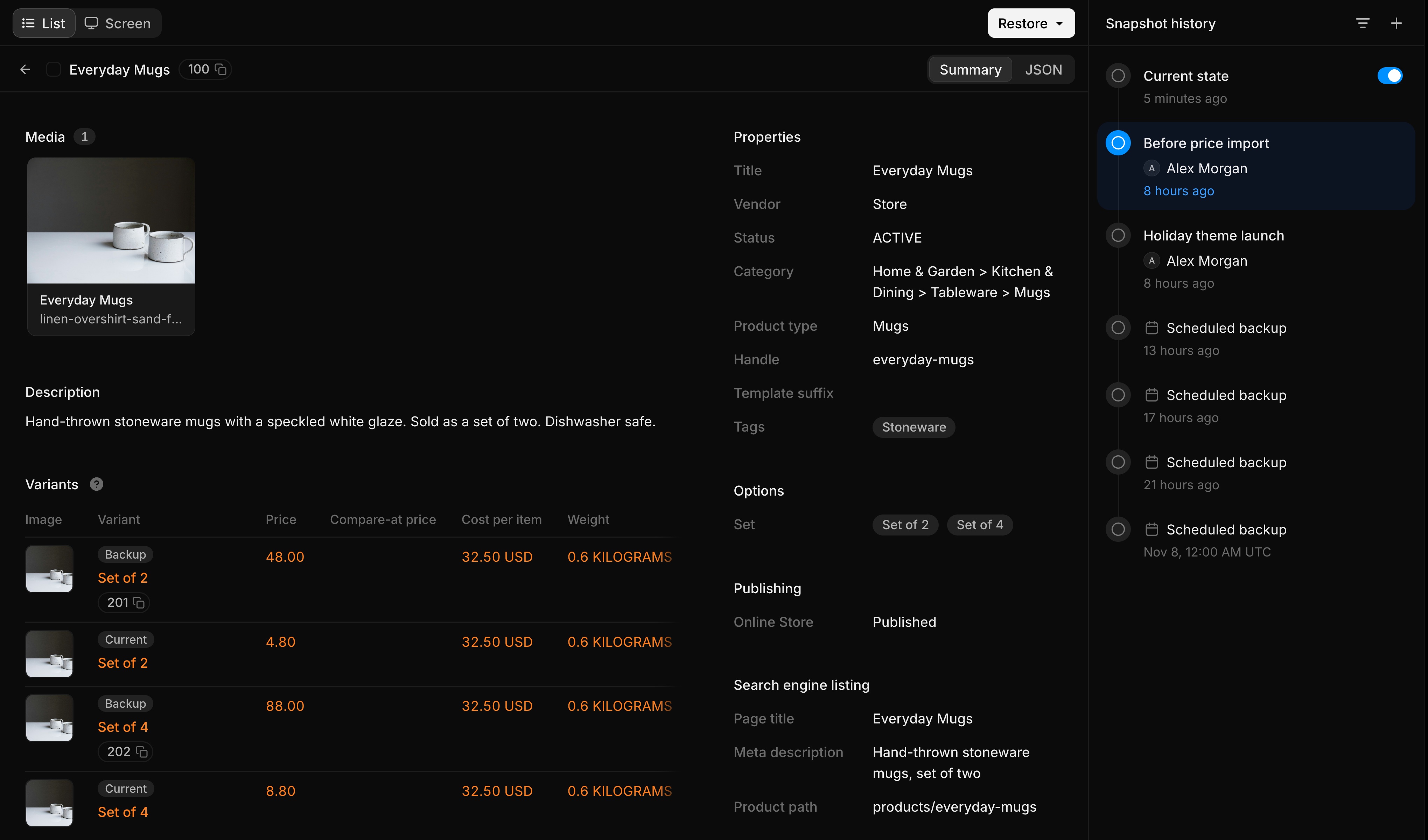
Restore just one item
Open an item to see its backed-up values above the current ones, then choose Restore this item. Only that item goes back; the rest of the store stays as it is now.
Also in this release
Your store is backed up every day, or more often on the Advanced plan.
Shopify
Store Sync
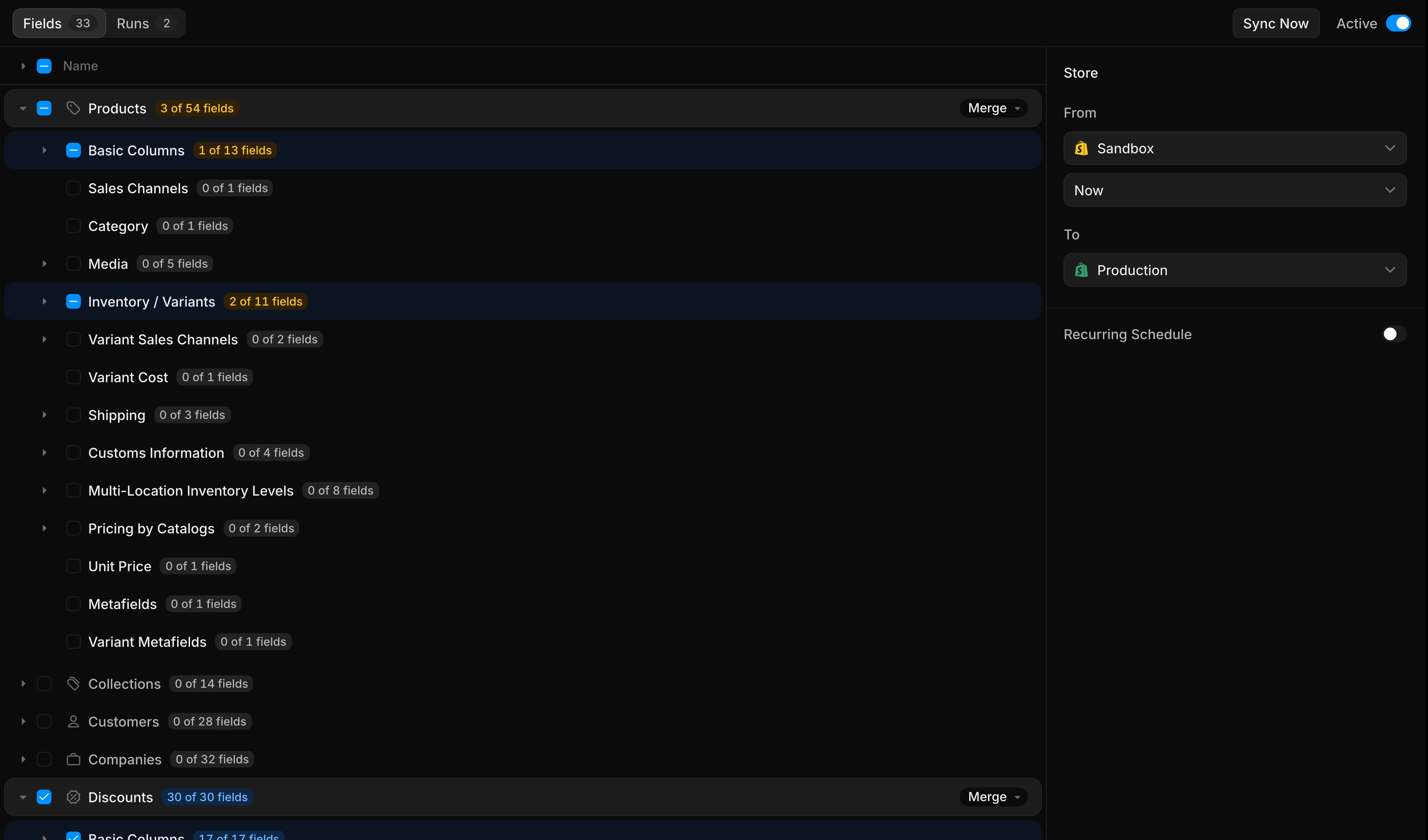
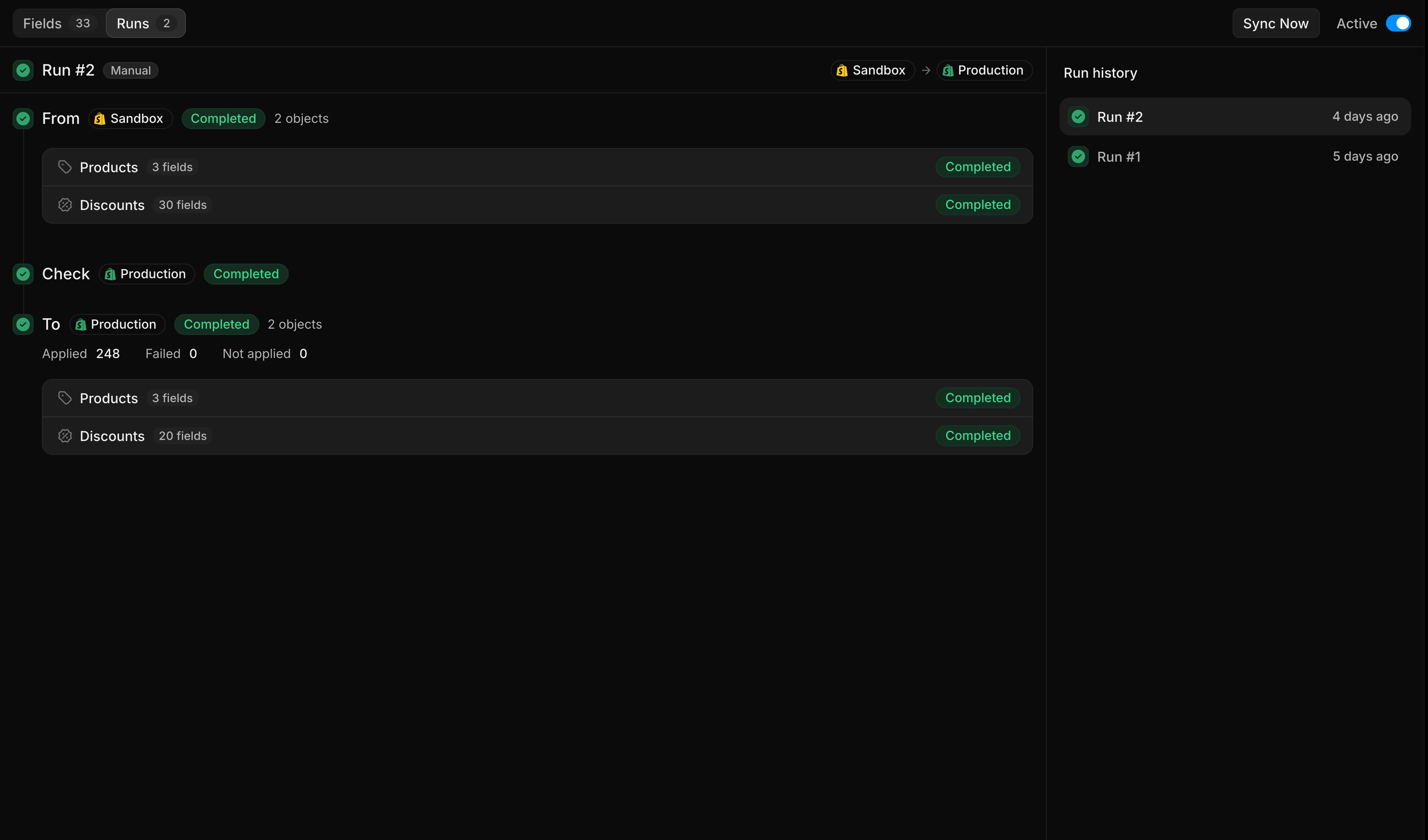
Copy the data you choose from one Shopify store to another, on one screen: the From and To stores, the objects and fields, and a command for each object. Every run shows its From, Check and To steps, and what was applied, failed or not applied.
Run it on a schedule
Set a sync to run every few minutes, hours or days, in the From store's time zone, and the other store keeps up without anyone pressing Sync Now. Switch Active off to stop new runs; a run already under way finishes.
Also in this release
Store Sync needs the Advanced or Enterprise plan, or an active trial, on both stores.
Sep
NetSuite
Vertical Bar Agent
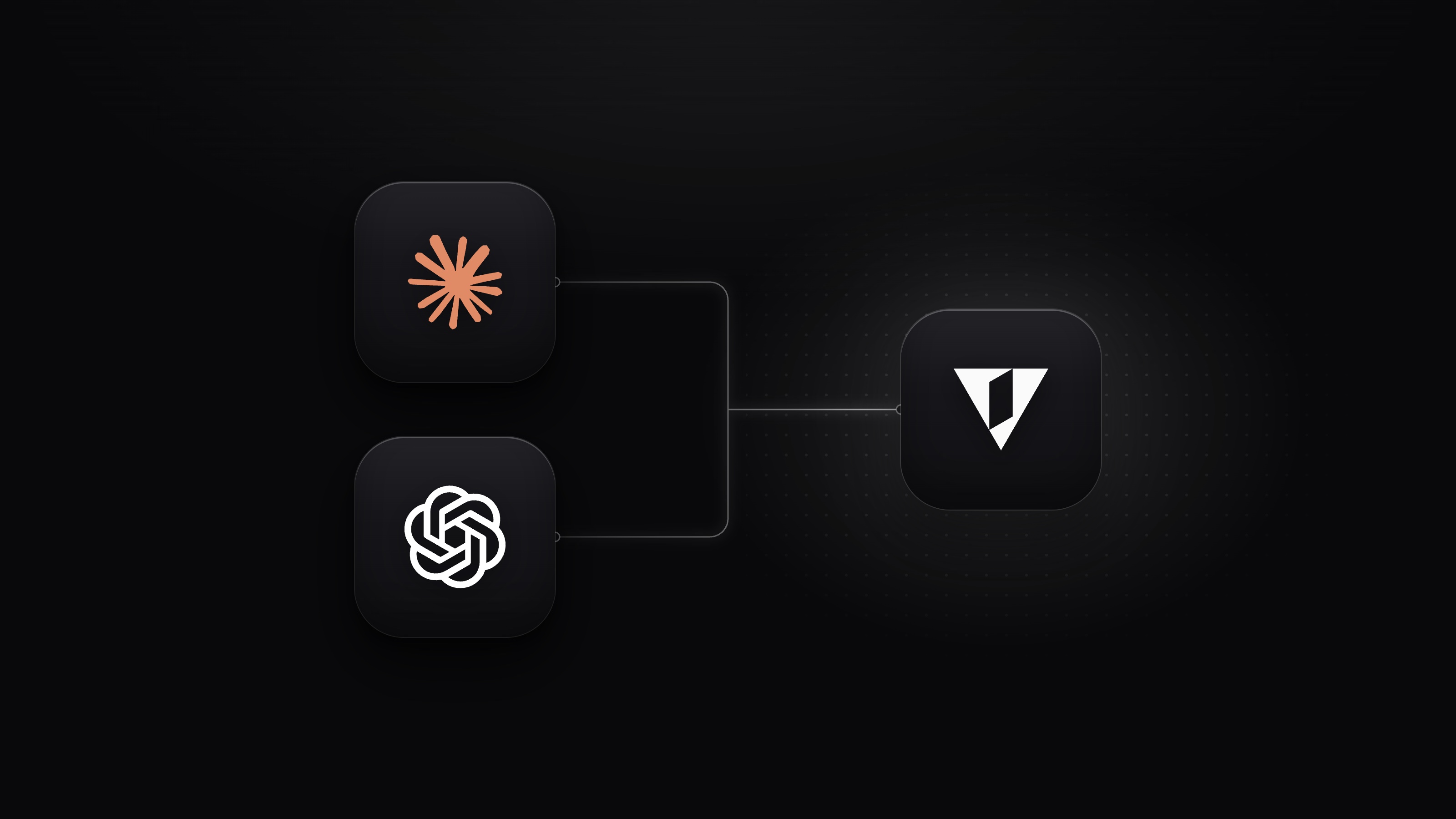
Ask about your NetSuite account from ChatGPT, Claude or Codex. The Vertical Bar Agent connects them to CrossCheck over MCP, so the answers come from your own snapshots, scripts and settings.
Connect in a few steps
In ChatGPT, install Vertical Bar Agent from the app directory. In Claude or Codex, add the plugin from our GitHub repository. Then ask for your CrossCheck workspaces. You sign in once in the browser; there is no API key.
Read your customizations and SuiteScript source, trace what depends on what, check how a script has been running, and query live NetSuite without changing it. For example: “Someone changed a workflow in production last week. What depends on it, and what could break downstream?”
Tests from the chat
Draft a Test Suite in the chat and register it in CrossCheck. You start the run there and follow the results as they come in.